
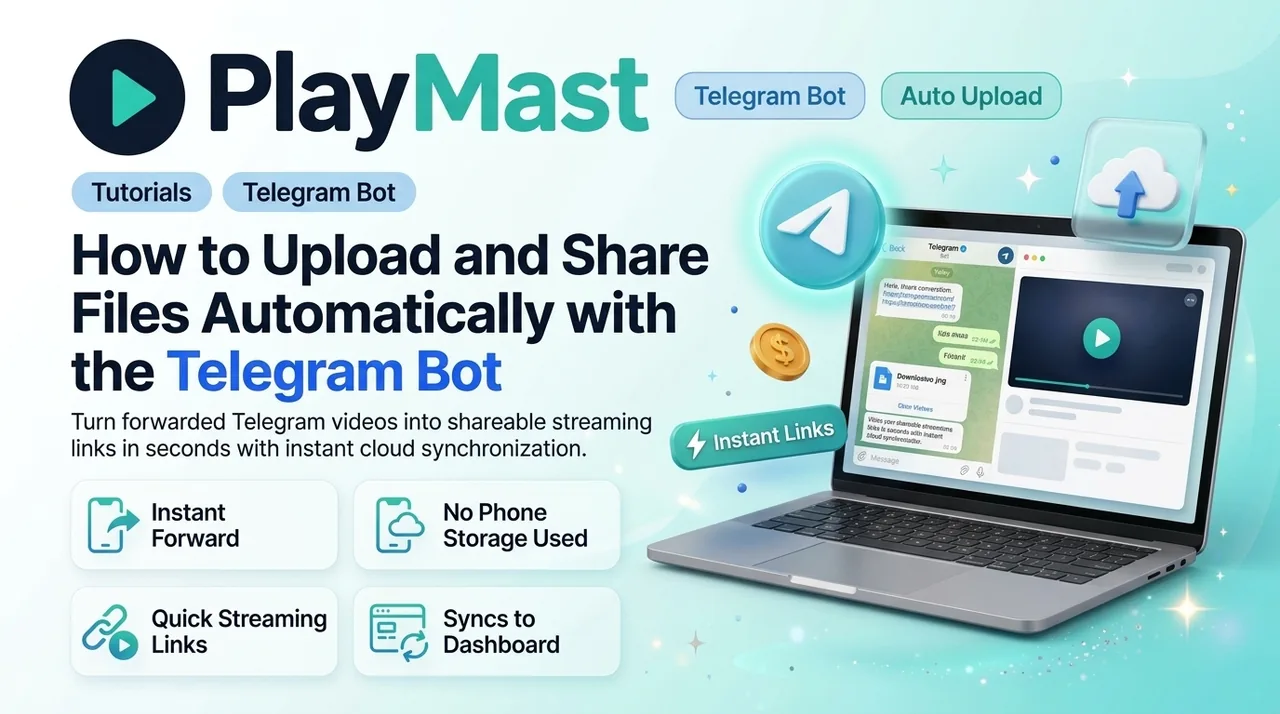
How to Upload and Share Files Automatically with the Telegram Bot
If you run a Telegram channel or group, downloading files to your computer just to upload them back to a website is a waste of time and phone storage.
With @PlayMastUploadBot, you can do everything directly inside Telegram.
Why You Should Use the Bot
- Instant Forward Uploads: Forward any video or file from any chat directly to the bot.
- Saves Phone Storage: Files go straight from Telegram to cloud storage without taking up space on your phone.
- Quick Short Links: Get a clean streaming link with thumbnails in seconds.
- Syncs to Your Dashboard: Every file uploaded through the bot shows up on your web dashboard, accumulating views and earnings automatically.
Quick Setup Guide
Step 1: Get Your API Key
- Log in at PlayMast.com/login.
- Go to Settings → Telegram Bot API.
- Copy your account token.
Step 2: Connect the Bot
- Open Telegram and search for @PlayMastUploadBot.
- Tap Start.
- Paste your API key to link your account.
Step 3: Forward Files & Share
- Forward any video or file to the bot.
- The bot sends back your shareable short link right away.
- Share that link with your audience and watch your daily earnings grow!