
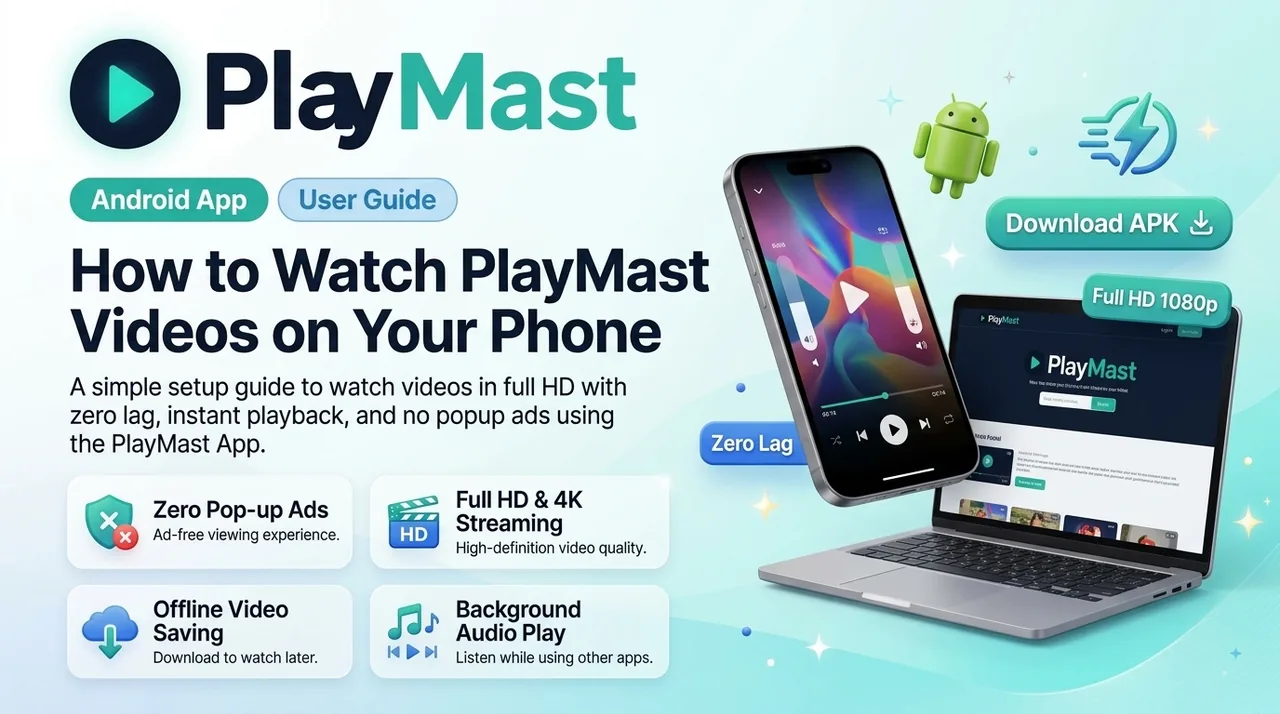
How to Watch PlayMast Videos on Your Phone: Simple Setup Guide
If someone shared a PlayMast video link with you in a Telegram channel, WhatsApp group, or social media post, you might be wondering how to watch it smoothly on your mobile.
Unlike traditional websites that flood your screen with annoying pop-ups, slow loading times, and broken video players, PlayMast uses a fast, lightweight Android App designed to play videos instantly in high definition.
Here is a quick step-by-step guide to help you get started in less than a minute.
How to Watch Any PlayMast Video in 3 Easy Steps
- Tap the Shared Link: Open the link you received from your favorite creator on Telegram or WhatsApp.
- Download the App: You will see a clean download page. Tap the green "Download PlayMast App" button (or visit PlayMast.com/download) to get the latest APK.
- Open & Enjoy: Once installed, open the app. Your video will start playing immediately in full HD with crisp audio and zero buffering!
Good to Know: You only need to install the app once! Any future PlayMast links you click will automatically open directly inside the app with a single tap.
Why You Will Love Watching on the PlayMast App
- No Annoying Pop-ups: Clean viewing experience without fake buttons or endless redirects.
- Full HD & 4K Playback: Videos automatically adjust to your internet speed so you never face buffering.
- Save Videos Offline: Heading somewhere with weak internet? Download files directly to your phone and watch them anytime, anywhere.
- Easy Screen Controls: Swipe up or down on the screen to quickly adjust volume and screen brightness.
- Background Audio: Want to listen to a course, podcast, or tutorial while chatting or browsing? Keep audio playing in the background with ease.
For Creators & Channel Owners
If you share tutorials, course videos, or files with your community:
- 100% Counted Views: Every viewer who opens your video inside the app generates verified views.
- High Daily Earnings: Earn solid revenue at $2.00 per 1,000 views.
- Daily Withdrawals: Cash out anytime your balance crosses $10 directly to your UPI ID (GPay, PhonePe, Paytm) or Bank Account within 24 hours.
- Automated Uploads: Use our Telegram bot @PlayMastUploadBot to upload files and generate ready-to-share links in seconds.